Bring Your Creative Projects to Life with Outline Display
What is Outline Display?
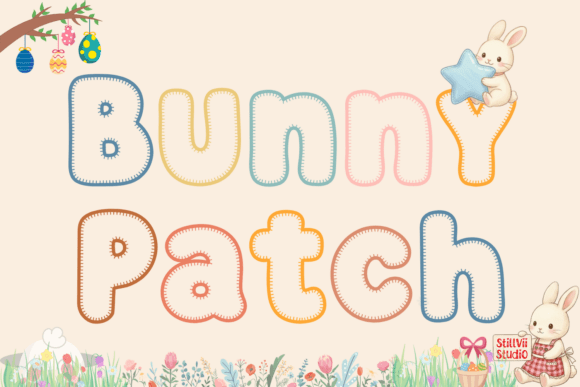
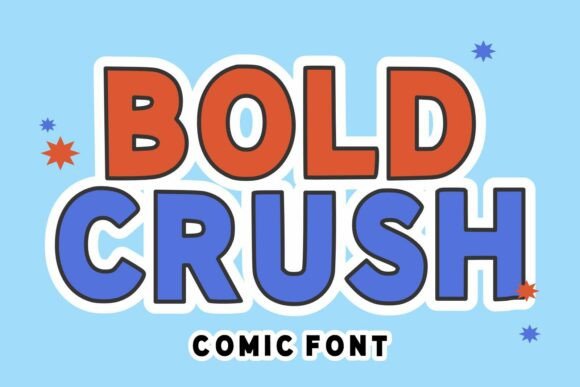
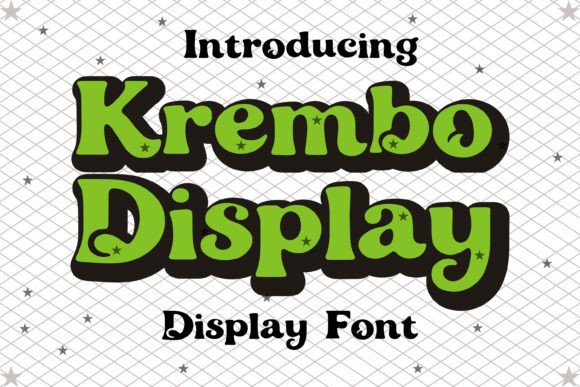
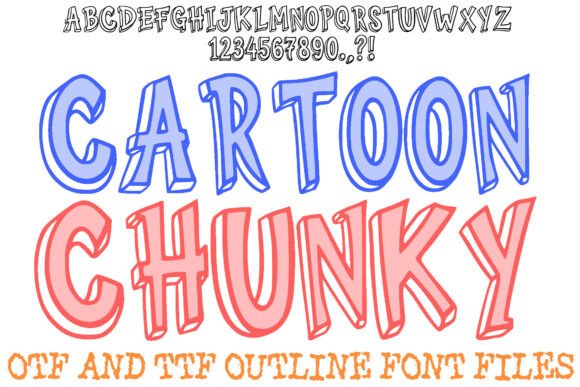
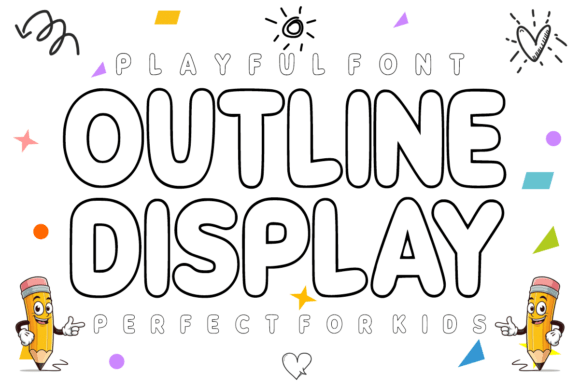
Outline Display is a bold, rounded display font designed with a clean hollow outline style. This modern and incredibly friendly font is perfect for adding a playful and vibrant touch to your projects. Whether you're creating classroom materials, designing custom apparel, or crafting social media content, Outline Display offers a versatile and easy-to-read option.
Why Choose Outline Display?
There are several reasons why Outline Display might catch your eye:
- Clean and Modern Aesthetic: The hollow outline style of Outline Display gives it a fresh, contemporary look that stands out in any design.
- Versatility: This font is highly adaptable, making it suitable for a wide range of creative projects, from educational materials to social media branding.
- Playful and Friendly: The rounded, bold design of Outline Display adds a cheerful and approachable feel, perfect for children's designs and fun, engaging content.
- Optimized for Cutting Machines: Outline Display is fully optimized for cutting machines like Cricut and Silhouette, making it ideal for DIY and craft projects.
- Seamless Integration: It works seamlessly in popular design apps such as Canva, Procreate, and Adobe Illustrator, ensuring a smooth and efficient design process.
Benefits and Considerations
Outline Display offers numerous benefits, but it's also important to consider its tradeoffs and whether it aligns with your specific needs:
Benefits
- Enhanced Readability: The bold and clean style of Outline Display makes it highly legible, even at smaller sizes.
- Engaging Visuals: The playful and modern aesthetic can help make your designs more appealing and engaging, especially for younger audiences.
- Wide Compatibility: Its compatibility with cutting machines and design software ensures that you can use it across various platforms and tools.
Considerations
- Formality Level: While Outline Display is perfect for playful and informal designs, it may not be the best choice for more formal or professional settings.
- Color and Background: The hollow outline style can sometimes blend into certain backgrounds, so careful consideration of color and contrast is necessary.
- Limited Use Cases: While versatile, Outline Display may not be the ideal choice for text-heavy documents or long-form content due to its display nature.
When to Use Outline Display
Outline Display is a strong fit for a variety of creative and educational projects. Here are some situations where it shines:
- Teacher Resources: Create flashcards, classroom posters, and educational worksheets that are both engaging and easy to read.
- Kids Apparel: Design custom T-shirts, school bags, and personalized hoodies that stand out with a playful and modern touch.
- Birthday Parties: Craft playful invitations, banners, and cake toppers that add a fun and festive atmosphere to any celebration.
- Storybooks and Activities: Add fun titles to children’s books and coloring pages, making them more appealing and enjoyable for young readers.
- Social Media Branding: Use Outline Display for energetic Instagram quotes and catchy YouTube thumbnails that grab attention and engage your audience.
Alternatives to Consider
If Outline Display doesn't quite meet your needs, there are other fonts and design elements you might consider:
- Handwritten Fonts: For a more personal and casual feel, handwritten fonts can add a unique and organic touch to your designs.
- Minimalist Fonts: If you need a more subdued and professional look, minimalist fonts offer a clean and simple alternative.
- Illustrative Elements: Incorporating illustrations and icons can complement your text and add visual interest without relying on a specific font style.
Making the Decision
When deciding whether Outline Display is right for your project, consider the following:
- Project Type: Is your project playful and informal, or does it require a more formal and professional tone?
- Audience: Who is your target audience? Outline Display is particularly well-suited for children and young audiences.
- Design Goals: What do you want to achieve with your design? If engagement and playfulness are key, Outline Display can be a great choice.
- Platform and Tools: Are you using tools like Cricut, Silhouette, Canva, Procreate, or Adobe Illustrator? Outline Display integrates seamlessly with these platforms.
By carefully considering these factors, you can determine whether Outline Display is the right fit for your creative and educational projects. Make learning and creating more exciting with Outline Display today 🚀.